Product video
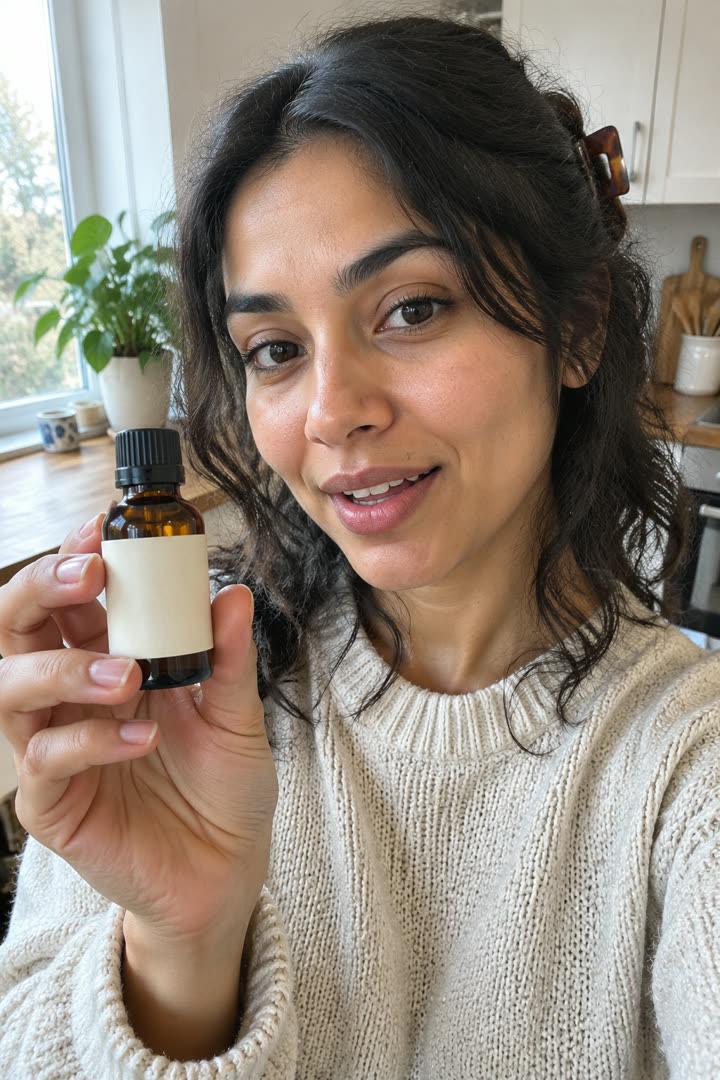
Make a short vertical product video where an AI actor holds, shows, and talks about your product.
What it does
Kopi writes a hook, a demonstration, and a closing line, picks a format that fits your product, and generates a 9:16 video with native voice and lip sync.
What to prepare
- A product photo (recommended, so the product looks right).
- One sentence on what it is and who it is for.
- Optional: pick an actor in the Actors panel.
What to say
- “A 15s product demo: an actor holds GLOWLAB vitamin C serum and shows the texture. Hook on glowing skin.”
- “Make a 10-second ad for this water bottle. Show it fits in a car cup holder.”
- “Use Maya to sell this protein bar to busy students.”
Steps
- Describe the product or upload its photo.
- Read the plan: scenes, spoken lines, actor, credits.
- Approve, or ask for changes in plain words.
- Download the video when the bell rings, usually 10–20 minutes.
What it costs
About 80 credits for 10 seconds and 120 for 15 seconds. Nothing is charged until you approve a plan, and failed runs are refunded.
Tips
- Upload the real product photo; the model copies it much better than a description.
- Say "fast" for quicker delivery or "best quality" for 960p.