Product image or photo edit
Make product photos and posters, edit an image you upload or generated, or put your actor’s face into a photo.
What it does
Kopi uses GPT Image 2. Point at any image in the chat ("the first one", "this cake") and say what to change. With an actor selected, it can swap only the face in a photo and keep the outfit and pose.
What to prepare
- For edits: upload or paste the photo (Cmd+V works).
- For a face swap: pick the actor too.
What to say
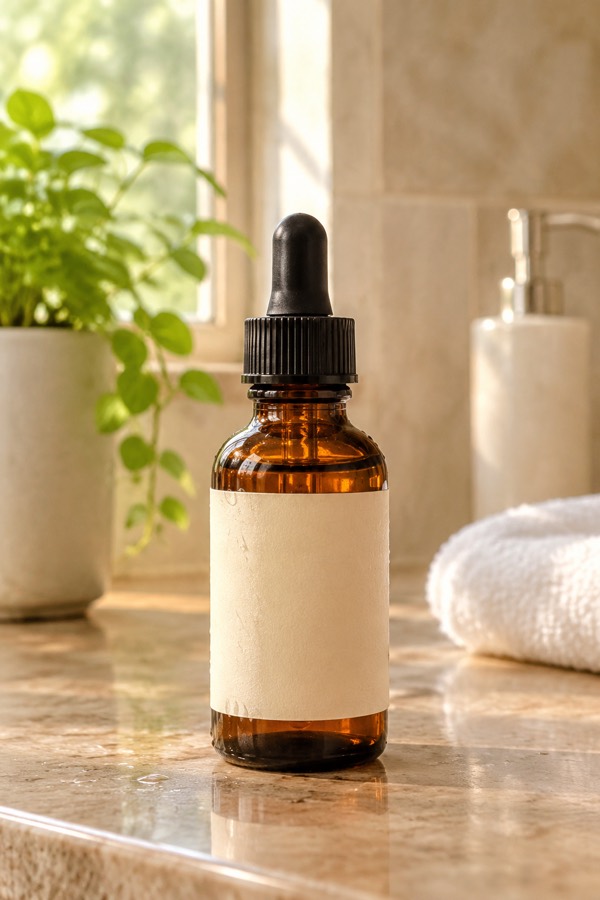
- “Make a product photo: GLOWLAB vitamin C serum on a warm stone counter in soft window light.”
- “Put the cake on a beach instead.”
- “Put my actor’s face on the person in this photo. Keep the outfit, pose, and background.”
Steps
- Describe the image, or upload the one to change.
- Approve the image plan.
- Use the result as a product image or a video frame.
What it costs
8 credits per image. Nothing is charged until you approve a plan, and failed runs are refunded.
Tips
- An edited image keeps the original aspect ratio.
- Generated images can become product photos in your next video.